
Home / Reference
The reference library
5 checklists, 52 checks. Each checklist is a single page you can work through from top to bottom, print, or link to item by item.
-
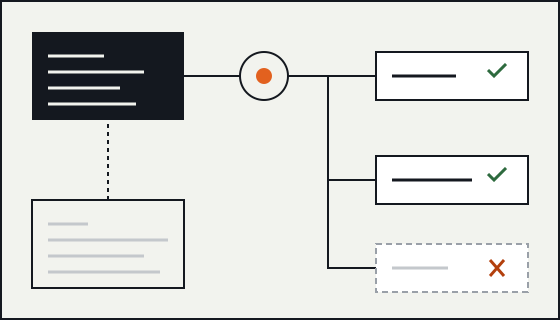
CA 15 checks
Crawl access: robots.txt, status codes and discovery
Before a page can be indexed, a crawler has to find its URL, be allowed to fetch it and get a meaningful response. This checklist covers the controls that decide each of those steps.
Use it when launching a site, changing hosting or a CDN, editing robots.txt, or investigating pages that are discovered but not crawled.
- robots.txt: scope and parsing
- robots.txt: what it does not do
- Responses, links and rendering
- Discovery with XML sitemaps
-
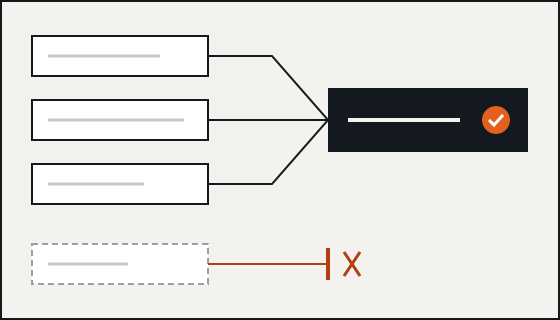
IC 10 checks
Index controls: noindex, canonicals and duplicate URLs
Once a page is crawled, a handful of signals decide whether it is indexed and which URL represents it. This checklist covers using them deliberately and keeping them consistent.
Use it when pages are indexed that should not be, when the wrong URL shows in results, or before launching faceted navigation, filters or a staging environment.
- noindex
- Canonical URLs
- Snippet controls
-
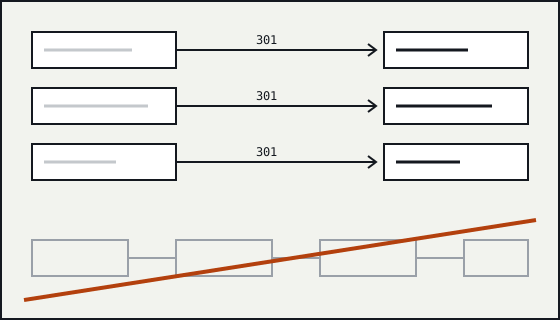
RM 10 checks
Redirects and migrations: moving URLs without losing them
Every time a URL changes, something has to tell browsers and crawlers where the content went. This checklist covers choosing the right redirect and running a migration so old URLs keep resolving.
Use it before changing a URL structure, moving to a new domain or platform, switching to HTTPS, or consolidating several sites into one.
- Choosing the redirect
- Planning the map
- Launch and after
-
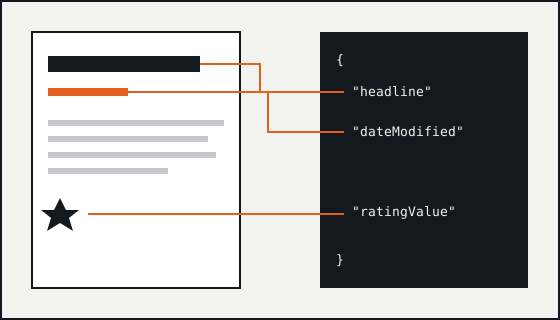
SD 9 checks
Structured data: markup that matches the page
Structured data describes a page in a vocabulary machines can read. Done well it makes a page eligible for richer results. This checklist covers keeping markup accurate, valid and in step with the visible page.
Use it when adding schema.org markup to a template, when rich results disappear, or when a CMS plugin starts generating markup you did not write.
- Format and vocabulary
- Accuracy
- Validation and expectations
-
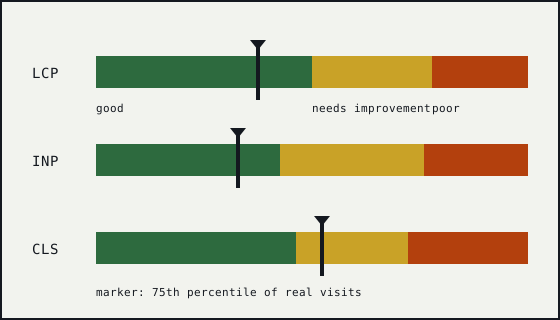
PX 8 checks
Page experience: Core Web Vitals and the basics around them
Page experience covers how a page feels to use: how fast the main content appears, how quickly it responds and how stable it stays. This checklist covers measuring it properly and keeping it in proportion.
Use it when Search Console reports poor URLs, before a redesign or a new script is added, or when someone proposes a speed project to fix rankings.
- Core Web Vitals
- Common causes
- Keeping it in proportion
About the item codes
Every check has a stable code, such as CA-05 or RM-09, and its own anchor. Link to /reference/crawl-access/#ca-05 to point someone at one item. Codes are not reused if an item is withdrawn.